 Workflow
rushes ltd. · Mac app
Organise. Plan. Deliver. All in one place.
Workflow is the production studio on your Mac: outlines, projects, schedules, stories, and the paperwork that lands on a freelancer’s desk. Workspaces stay self-contained. Updates replace the app only — your data folder stays put.
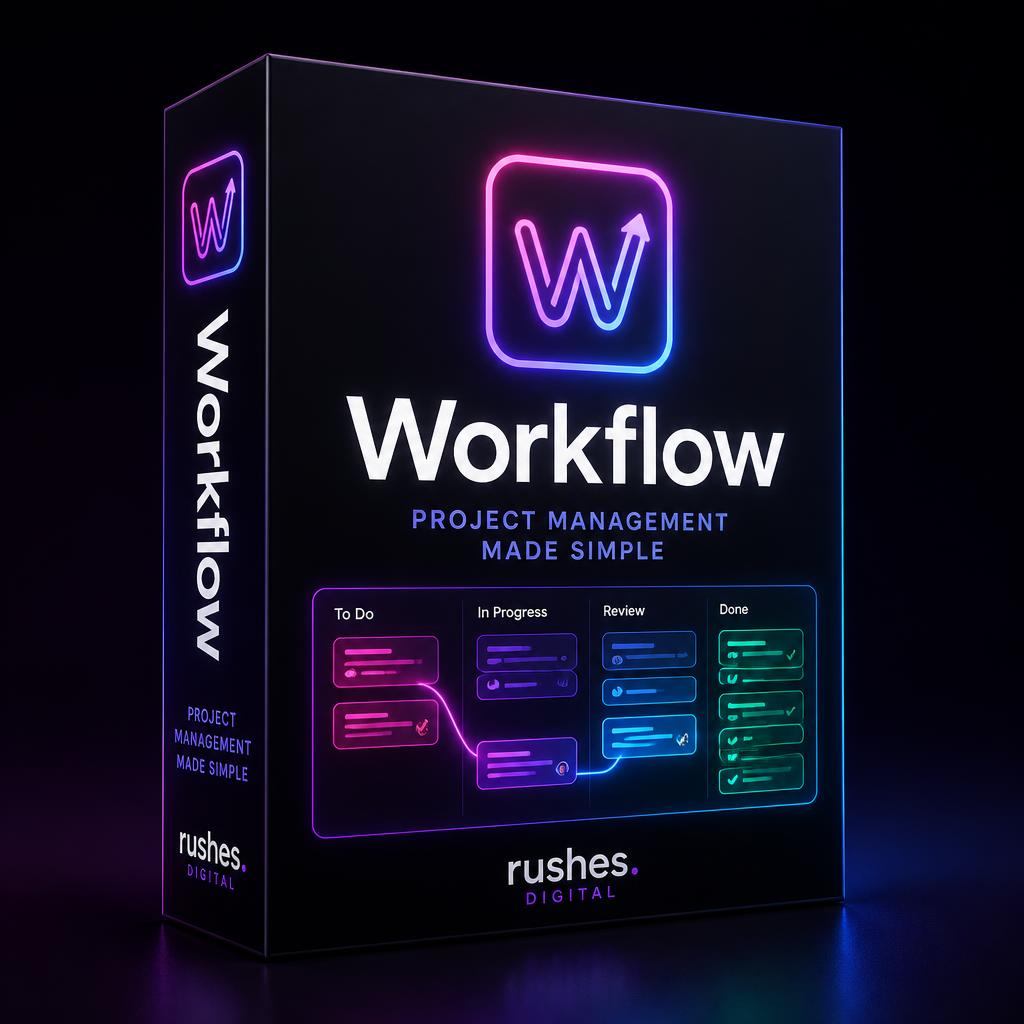
Latest version
Workflow 2.0.8
Universal Mac build (Apple silicon + Intel) · macOS 11 or newer · 15 October 2026
What’s new. Clips for every shoot day: clips, takes, stills and metadata together with previews, editable fields and ALE/CSV export. New Tools: DIT drive scanner and Find & copy. Saved schedules repair themselves (no more 2026 call times or stray units). Your projects and data folders are kept.
downloaded so far 48
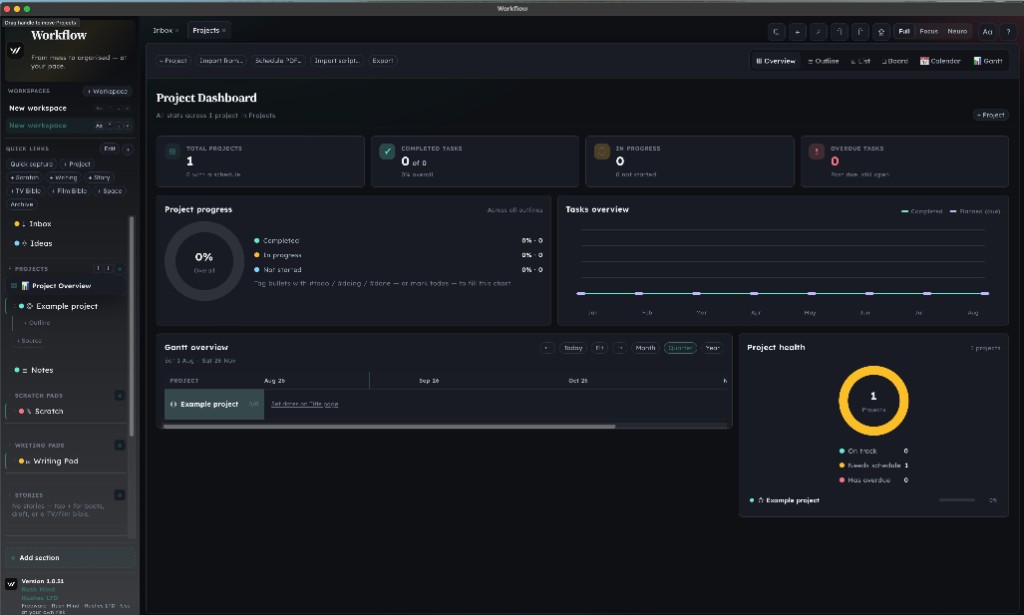
#todo / #doing / #done and the charts fill in.A short tour of the studio
The in-app tour (Help → Tour) walks this path. Here’s the same map, in plain language.
1. Sidebar
Workspaces, Quick links, Inbox, Projects, Scratch, Writing, Stories, Talent, Freelance tools. Create, rename, reorder, pin, or archive. Each workspace is its own box.
2. Tabs & tools
Open spaces as tabs. Undo / redo, Quick capture, import, export, Clarity, and ⌘K from the top bar — without leaving the page.
3. Main canvas
The active view: outline, list, board, calendar, Gantt, spider, flow, schedule, repository, Story Studio. Switch from View or the in-space toolbar.
4. Just now
Edits land in a Recent changes strip. Each chip names what changed. Undo reverses the latest one.
5. Story Studio
Beats, draft, Script Reader (cast, scenes, elements), TV / Film bibles. Import Final Draft, PDF, or Fountain — the script breaks into scenes you can rename, move, or delete.
6. Projects & schedule
Shooting boards, day strips, PDF import with a preview. Repository keeps copied call sheets, sides, RAs, logs, and frame leaders — labelled, dated, searchable.
7. Edit logs & Metadata
EDITOR LOG takes, camera roll, lens sidecars, ALE and MHL. Select rings, filters, native Save for ALE / CSV.
8. Help anytime
Help → Tour restarts this walkthrough. Help → Workflow Help, Keyboard Shortcuts, and Preferences sit one click away.
See it
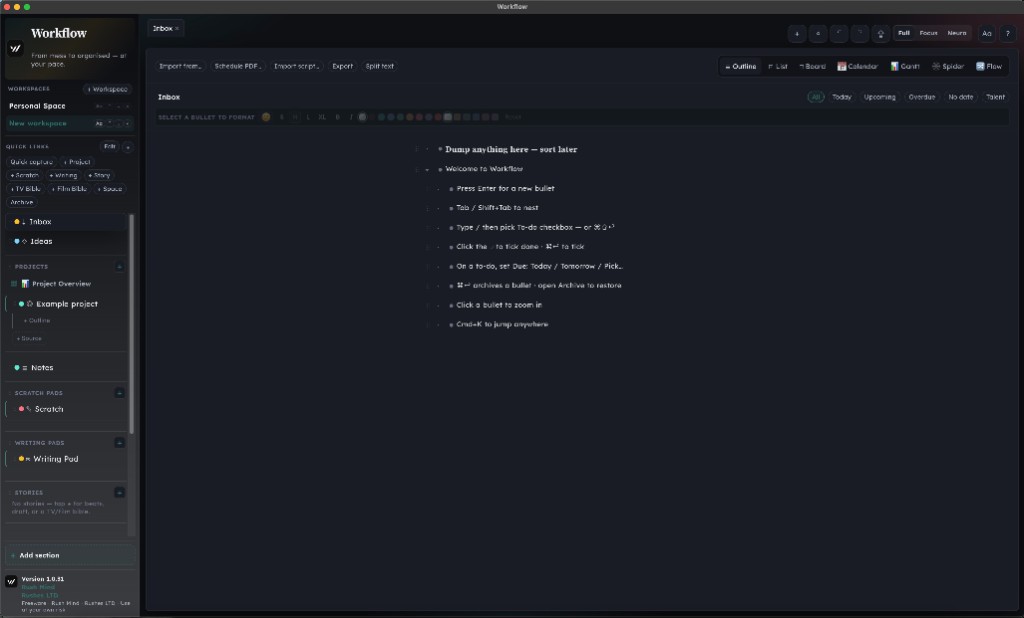
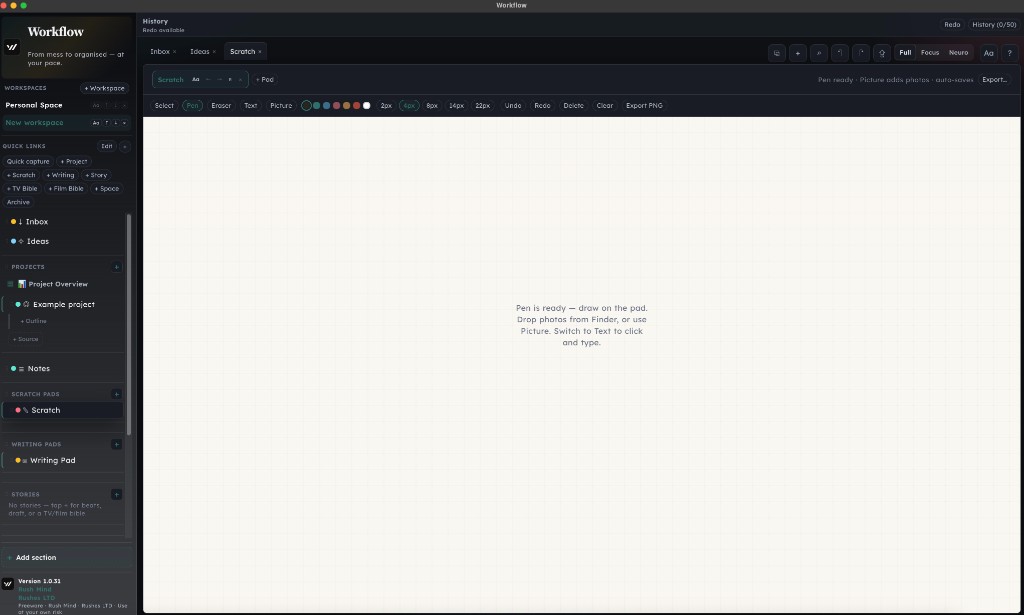
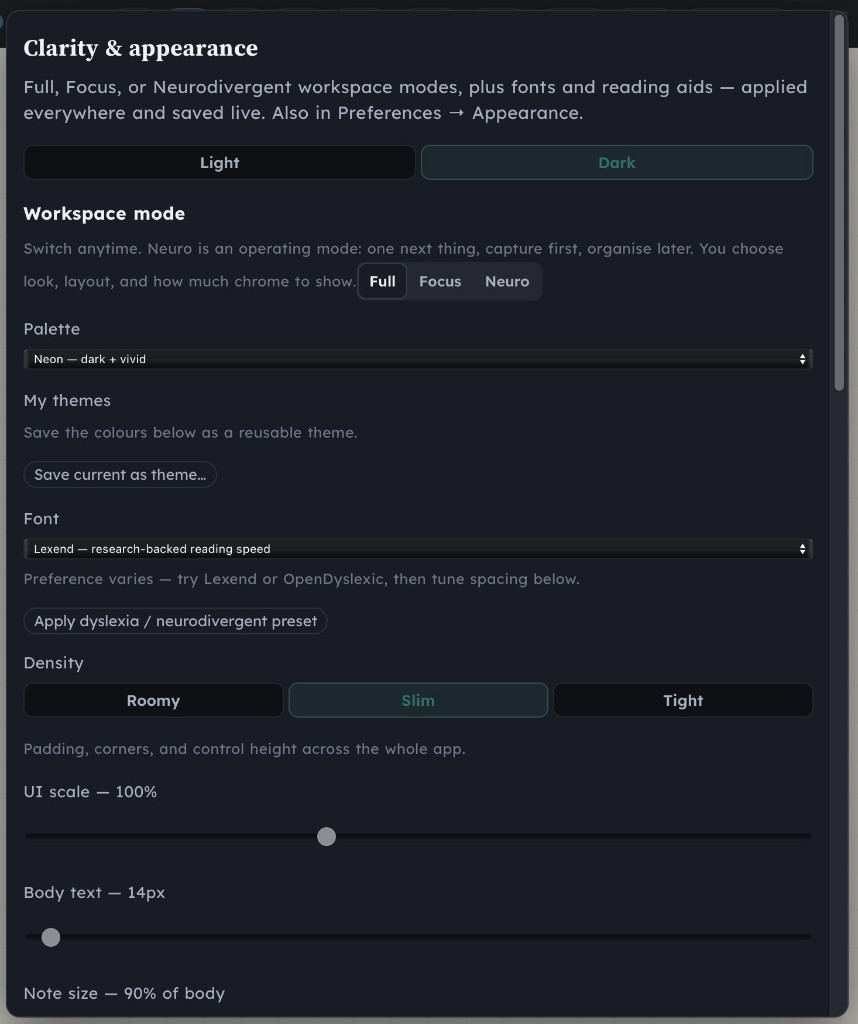
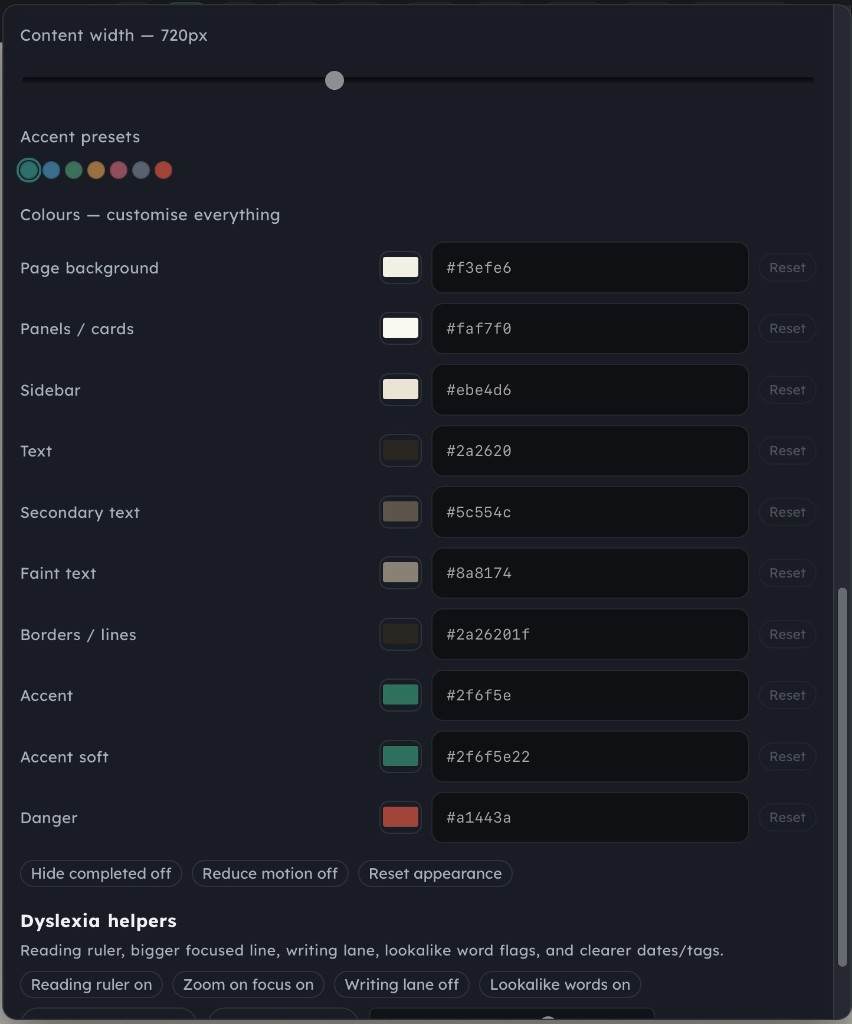
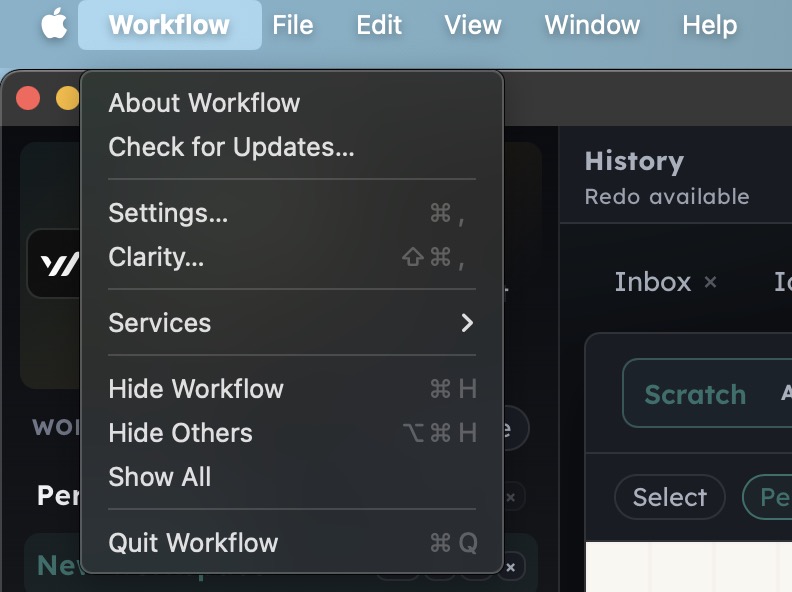
What you can actually do
Capture, then organise
Quick capture, Inbox, Ideas. Split a paste into bullets. Archive instead of delete. Command-K jumps anywhere.
Production projects
Overview, schedule PDFs, title page, board columns you rename. Import a script. Export when someone else needs the pack.
Repository
Drop the day’s PDFs and logs. Originals are copied as-is, labelled for that project, with a date or a date span you can edit.
Story & bibles
+ Story, + TV Bible, + Film Bible. Revision colours (White → Yellow…). Join a story to a project so cast hits the schedule.
DIT / post tools
ALE editor, MHL checksums, edit logs, lens metadata matcher (UMC-4 / DCS LDT → ALE). Frame Leader for digital and film charts. Website Builder for visual + code editing, URL import, and FTP/SFTP deploy.
Freelance
Overtime stopwatch with weekday / Sat / Sun rates and UK tax estimates, tied to your Workflow projects and talent pool.
Install on a Mac
- Workflow is not an App Store app. Control-click → Open → Open again, or System Settings → Privacy & Security → Open Anyway.
- It must live in Applications. Accept Terms, then open Help → Tour.
Your projects live in a separate data folder. Reinstalling or updating the app does not wipe them. Activation is not required in this build — Preferences → License is there for later.